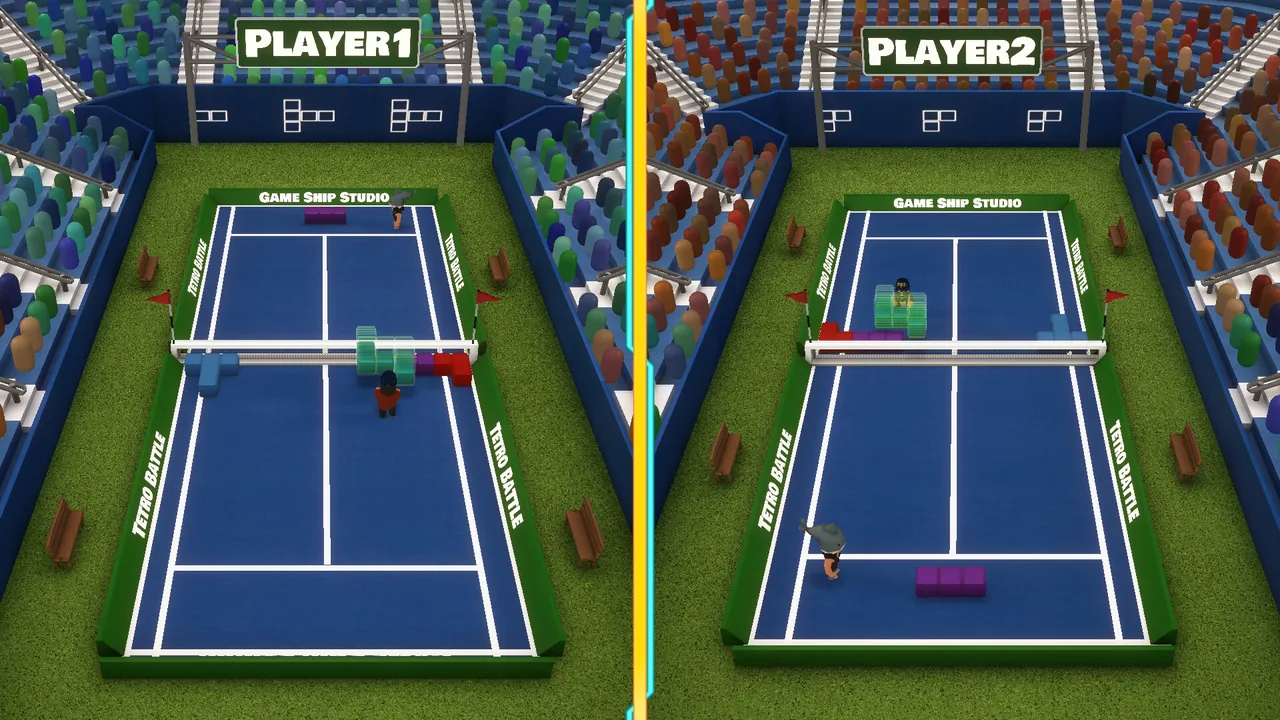
Tetro Battle supports Steam Remote Play Together, which means friends can join your game over the internet without owning it. Only the host needs a copy. Everyone else needs Steam and an invitation, and once they are in, the session behaves as though all of you were sitting at the same PC.
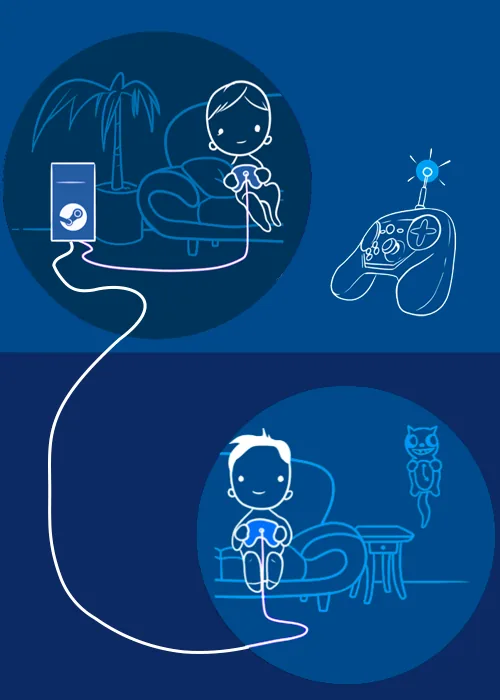
That last part is the bit worth understanding before you start, because it explains every quirk further down: the game only ever sees one machine. Controllers, keyboard assignment and who counts as Player 1 all follow from that.
Inviting people
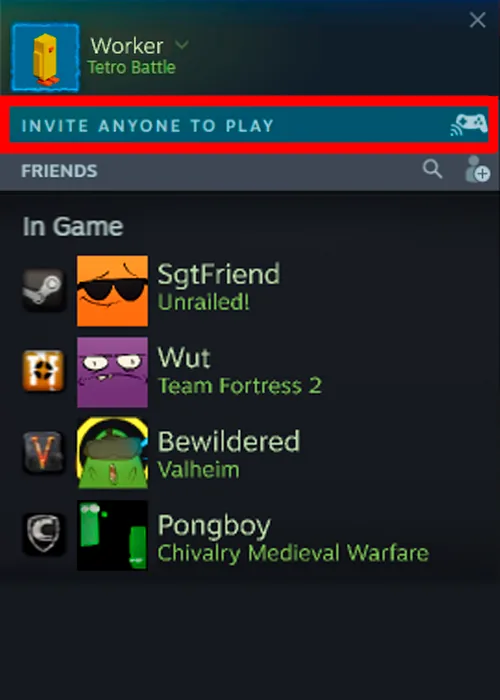
Start a game in Tetro Battle first, then open the Steam Overlay with Shift + Tab and choose Invite Anyone to Play. Your friends accept from their end, and they are in.
Getting controllers recognised
Controllers cause more trouble here than the invitation does, and the order you do things in matters.
Connect every controller before the game starts or before you join, and check that Steam itself is detecting each one. A pad that Steam cannot see will not become visible to the game later.
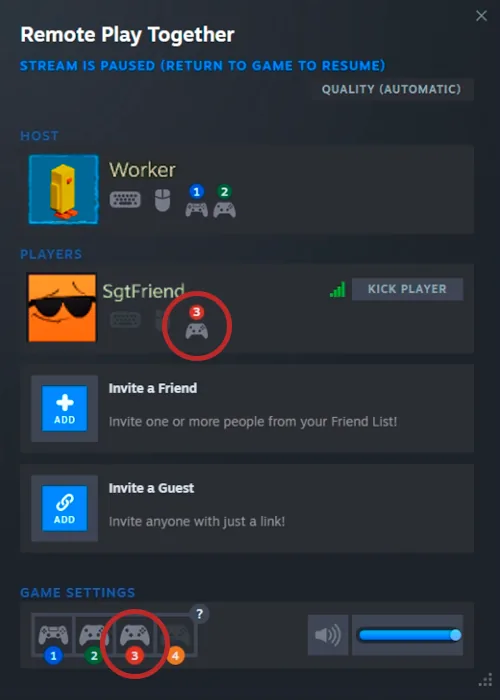
Once the invitation is accepted, open the Remote Play Together window and enable virtual controls for each player. This is the step that most often gets skipped, and it is the usual answer when someone’s pad appears dead.
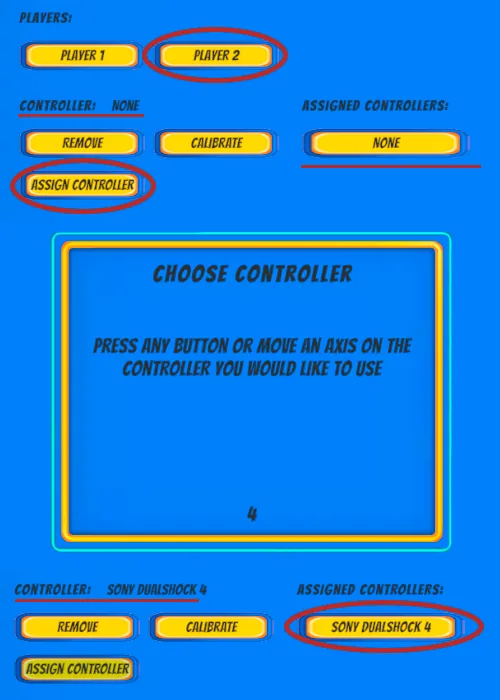
Then assign them inside the game. Go to Options > Controls, pick the player you want to set up, choose Assign Controller, and press any button on the pad you want bound to that slot. Repeat for each player.
Keyboard and mouse
A guest can play on keyboard and mouse rather than a controller. There is one thing to know: in Tetro Battle the keyboard and mouse are assigned to Player 1 by default.
Since the host is the one whose machine is actually running the game, that default is worth planning around if the person who wants to use a keyboard is not the host.
Common problems
Does everyone need to own Tetro Battle? No. Only the host needs a copy. That is the whole point of Remote Play Together.
Does everyone need Steam? Yes. Every player needs Steam running to join a session, even though only one of you owns the game.
A controller is not responding. Two things to check, in order: that Steam is detecting the controller at all, and that virtual controls are switched on for that player in the Remote Play Together window. The second is the more common miss.
The host closed the game. The session ends for everybody. The host’s machine is running the game for all of you, so there is nothing left to connect to once it closes. If someone has to drop out, it should not be the host.