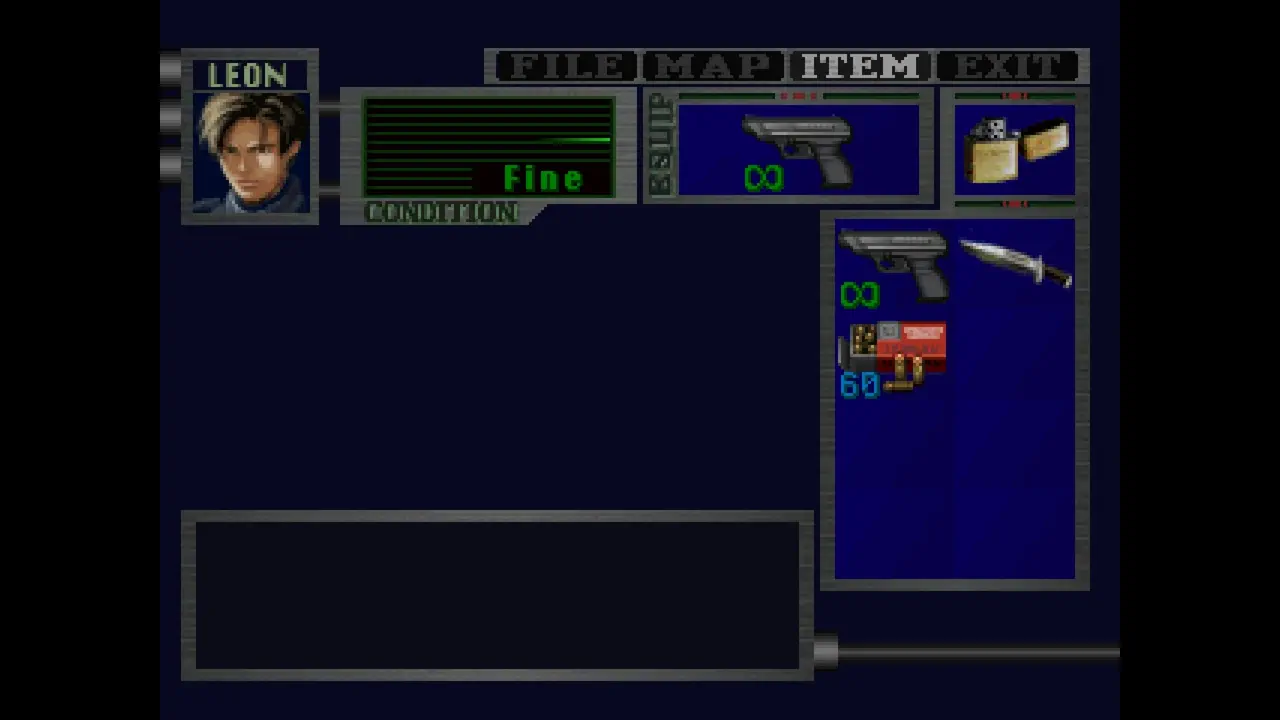
Resident Evil 2 1998 unlimited ammo Konami code is real, and the setup is simple: open your inventory, enter the code while there, and the game should reward you with an infinite ammo icon over your weapon. It applies to the original 1998 version’s inventory input method, not to some hidden menu or separate unlock screen.
The key detail is timing. You need to be in the inventory when you input the code, and the final button prompt depends on your control setup. Once it works, the effect carries forward for weapons you pick up afterward, too.
How to enable infinite ammo in Resident Evil 2 (1998)
To activate the infinite ammo cheat in RE2 1998, open your inventory first. On PC, the default keybind is Z.
Then enter the Konami code in this order:
Up Up Down Down Left Right Left Right AIM
The AIM input uses your default PC keybind X.
If the input is accepted, you should immediately see an infinite ammo icon appear over your weapon.
What the infinite ammo icon means
Once the icon appears, the cheat is active. Weapons you pick up for the rest of the game should also have unlimited ammo.
That’s the main confirmation to look for. If you do not see the icon, the code did not register.
Common mistakes to check
If the Resident Evil 2 1998 unlimited ammo Konami code is not working, the usual problems are simple:
- You entered the code outside the inventory
- You pressed the wrong inventory keybind
- You used the wrong AIM input
- You entered the sequence too slowly or out of order
- Your control setup differs from the default PC bindings
I would check the inventory key first, then the AIM binding. In this setup, the game expects Z to open inventory and X for AIM on PC.
Quick input order
- Open inventory: Z
- Enter: Up Up Down Down Left Right Left Right
- Finish with: AIM / X
If the icon appears, the cheat is active and your weapons should carry unlimited ammo for the rest of the playthrough.
