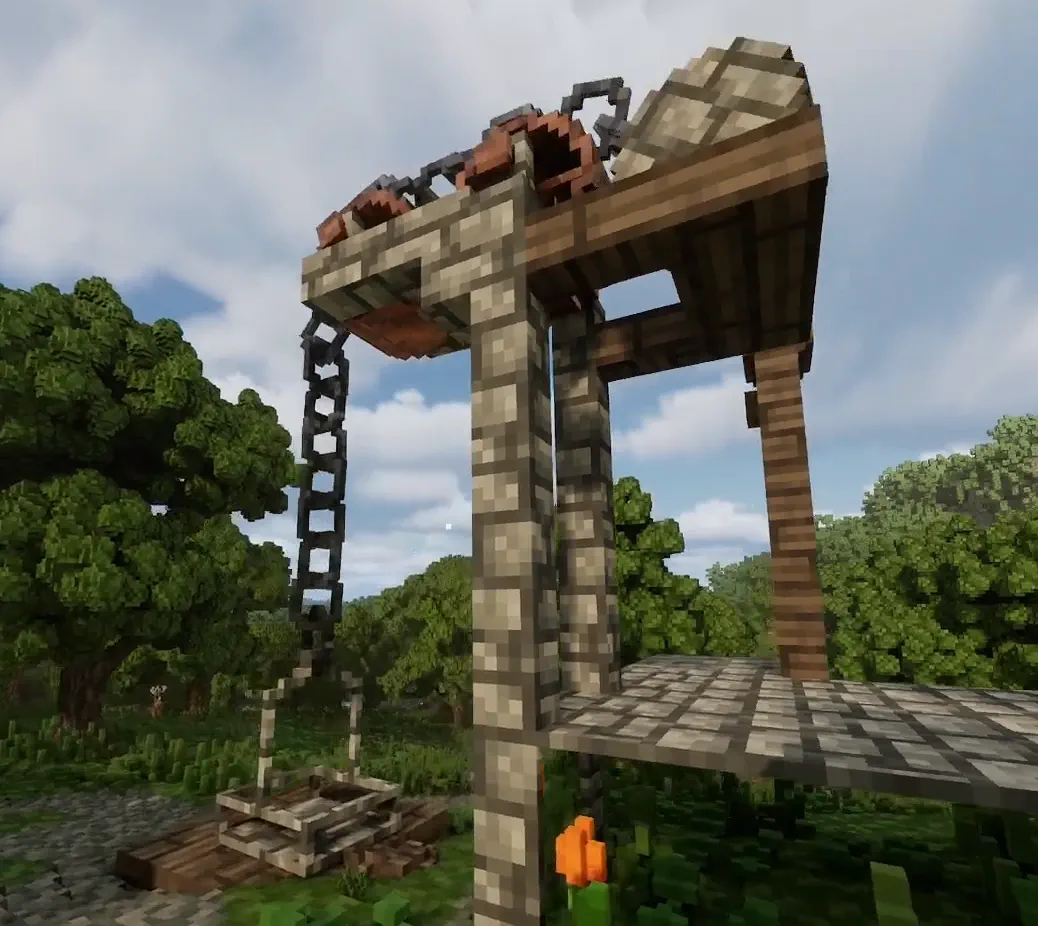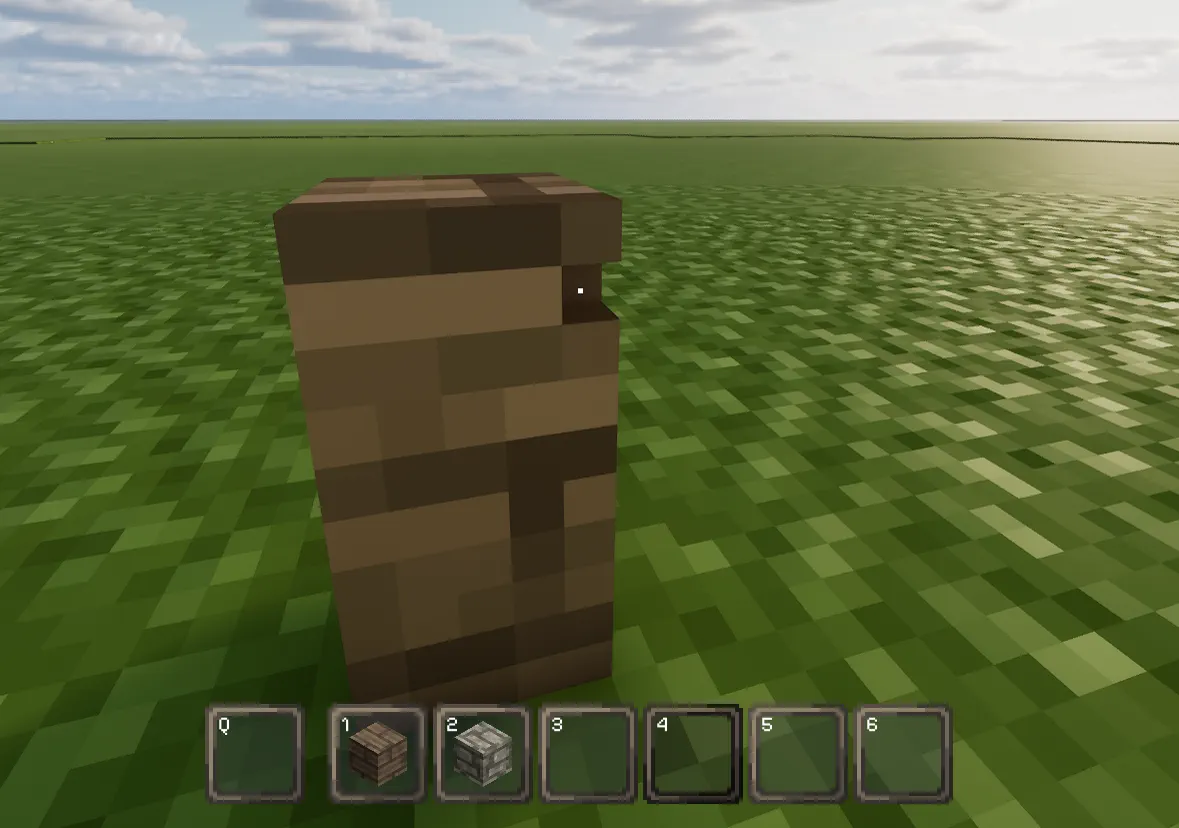
Lay of the Land contraption basics come down to a few core habits: learn how voxels move, measure with ghost-building before you commit, and design slots and supports so moving parts do not bind. If the axle or slot sizing is wrong, the whole build becomes harder to place, detach, or keep moving smoothly.
The practical takeaway is simple: use the right mouse and left mouse tools for voxel handling, size your slots around the axle, add stops so parts do not slide free, and blueprint before you break support pieces. That order saves time and prevents a lot of rebuilds.
Empty-Hand Controls for Contraption Building
With an empty hand, the mouse buttons handle basic voxel manipulation:
- Left Mouse Button removes a single voxel.
- Right Mouse Button lifts voxels.
These same interactions can also work on furniture and other usable prefabs, so it is worth getting comfortable with them early.

Measuring With Voxels Before You Build
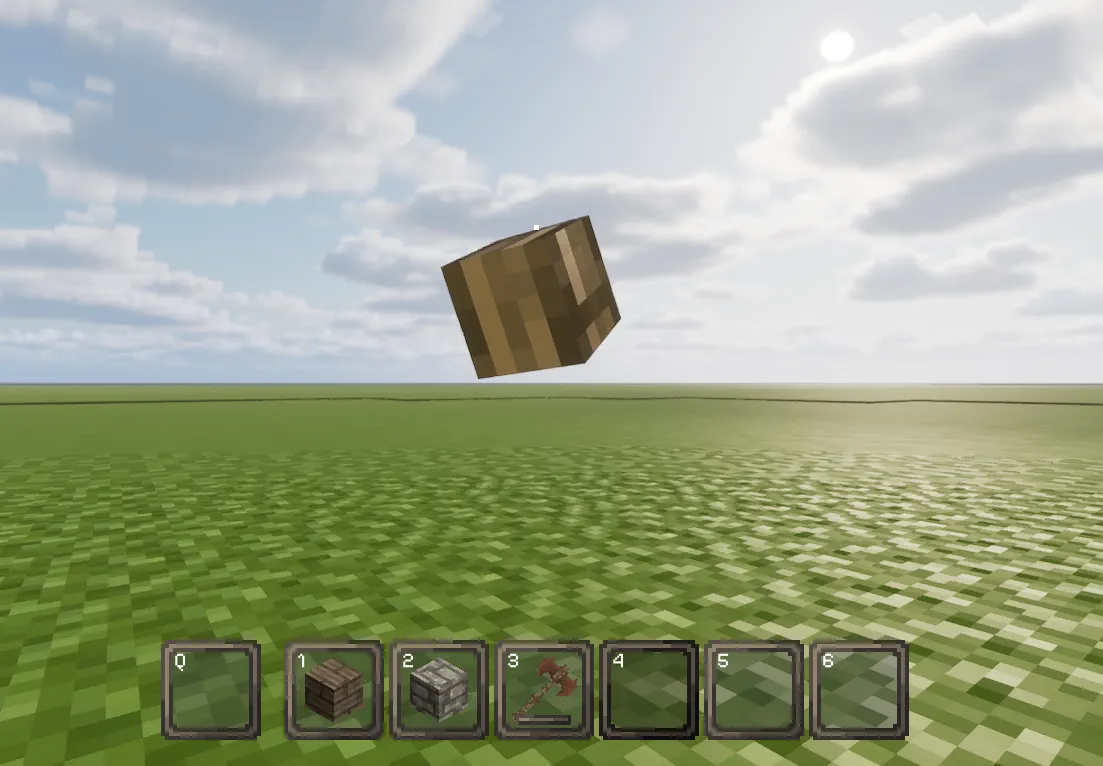
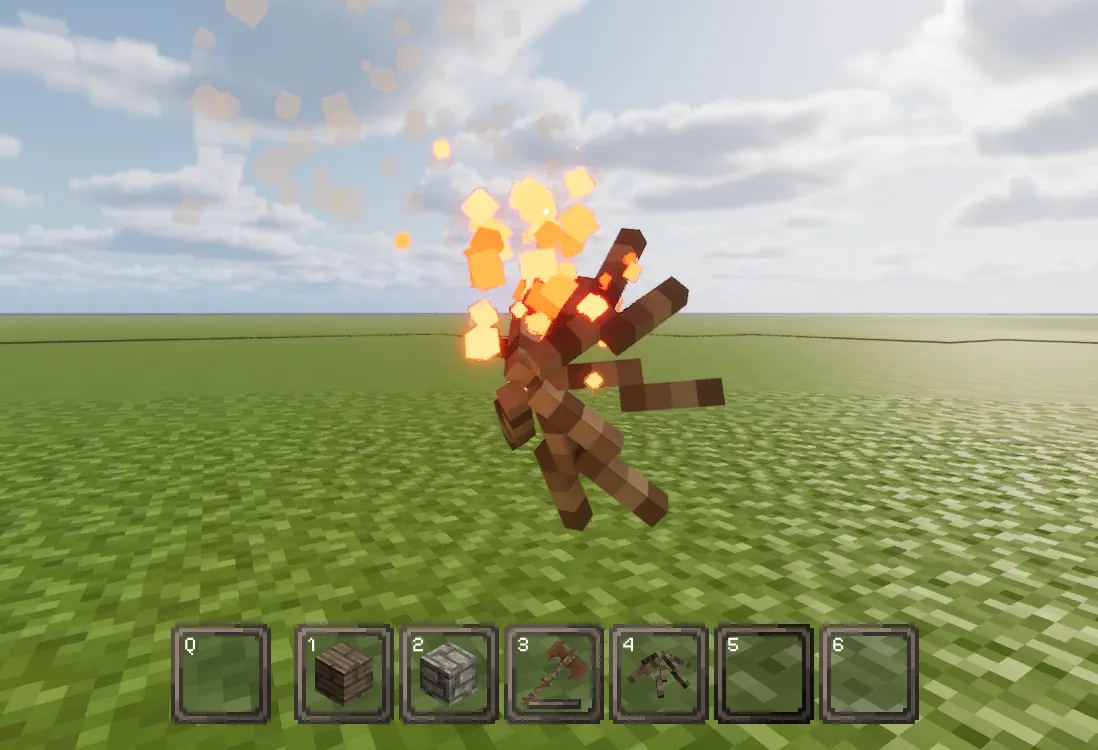
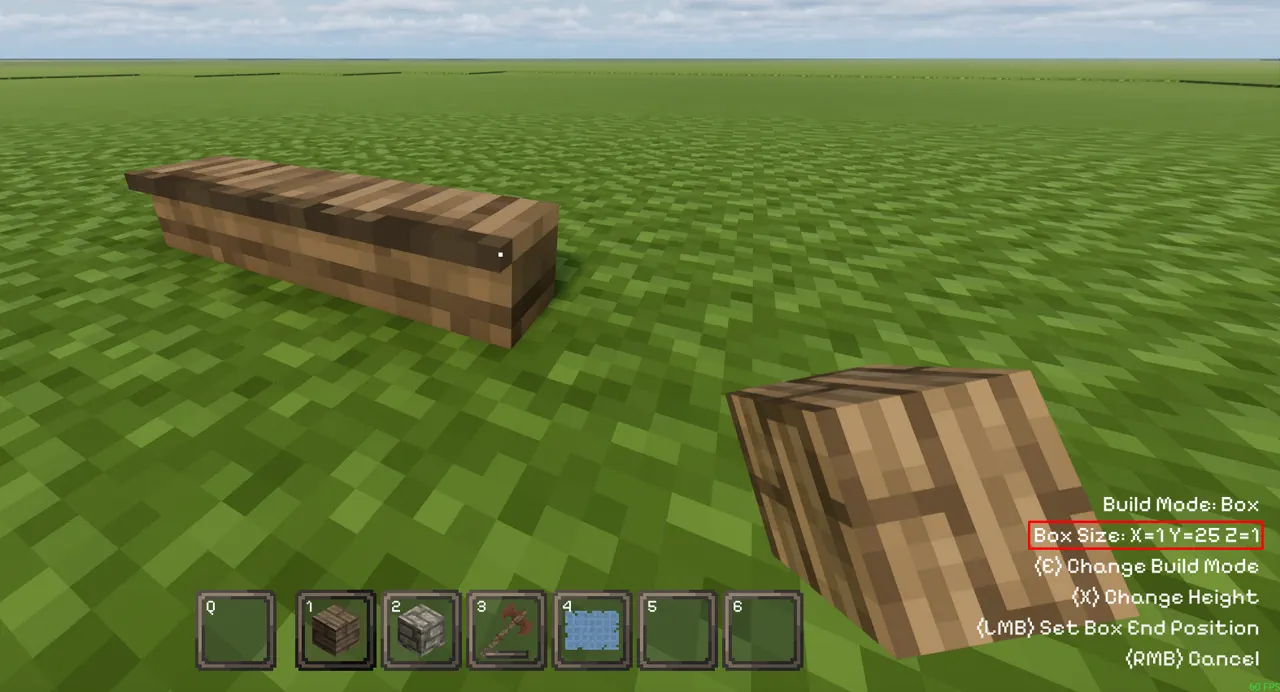
One of the easiest ways to plan a contraption is to use voxels as a temporary measurement tool. Ghost-build from one point to another to check the size before you commit to the real layout.
A few practical notes:
- Watch the dimensions in the bottom-right corner while placing.
- Right-click to cancel the ghost build when you are done measuring.
- This is especially useful when you are matching axle spacing, slot width, or the footprint of multi-part assemblies.
Small Parts and Placement Settings
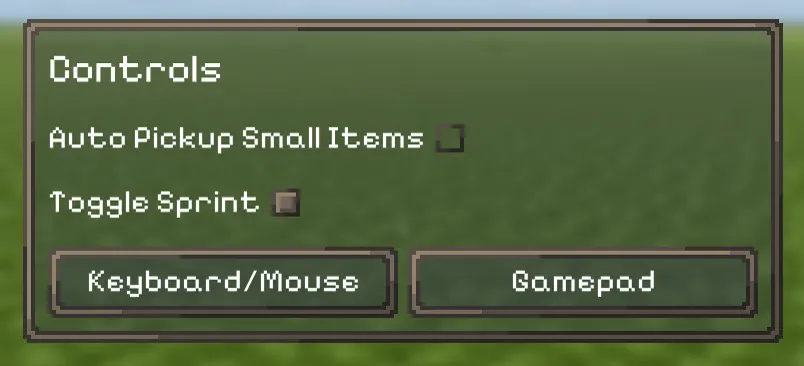
For intricate builds with tiny pieces, such as chain links, the game can get in the way by automatically picking up items you still want to place. If that happens, disable Auto Pickup Small Items in the Controls section of the Pause Menu.
That setting is easy to overlook, but it makes small-part work much less frustrating.
Slots and Stops for Axles
Slots are what hold axle parts in place. The important part is getting the width right so the axle can move without binding.
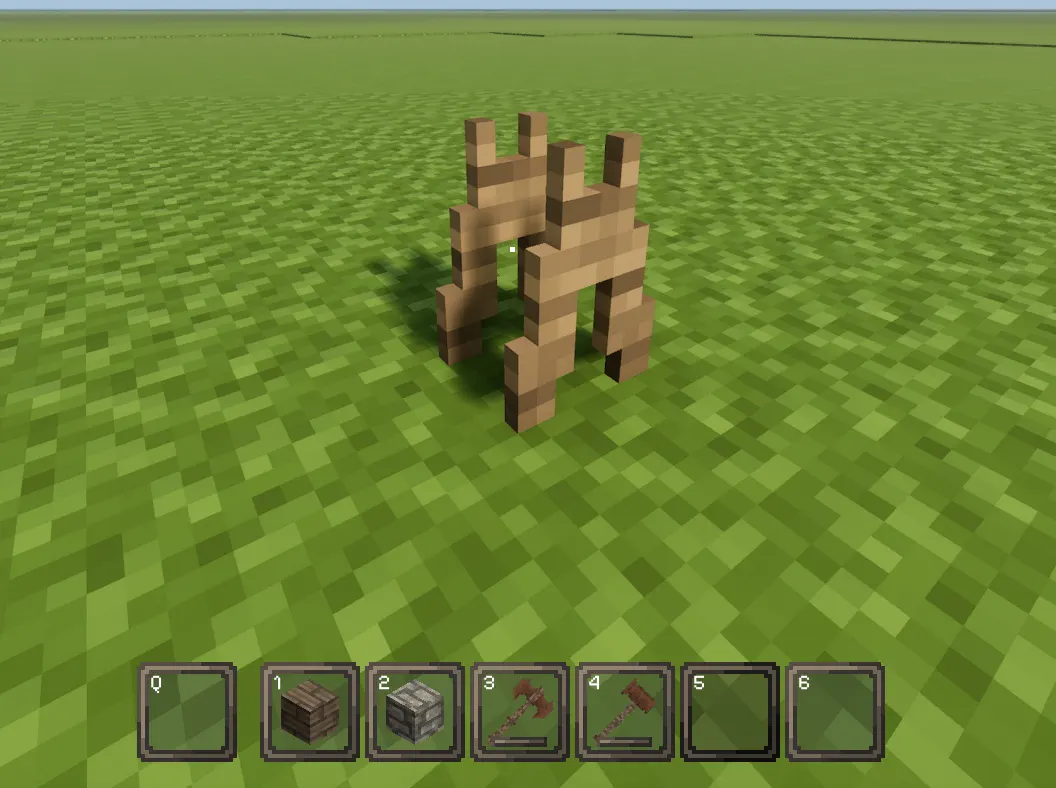
- If the base is fixed to the ground, the axle needs a 2-wide slot to avoid binding.
- If the axle can detach, it also needs stops on the outside so it does not slide out of the slot.
A common example from the source is a 3x3 stop setup for single-voxel axles, though the exact shape can change depending on axle size and the look of the build. I would treat that as a practical starting point rather than a hard rule for every contraption.
Supports and Detaching Multi-Part Contraptions
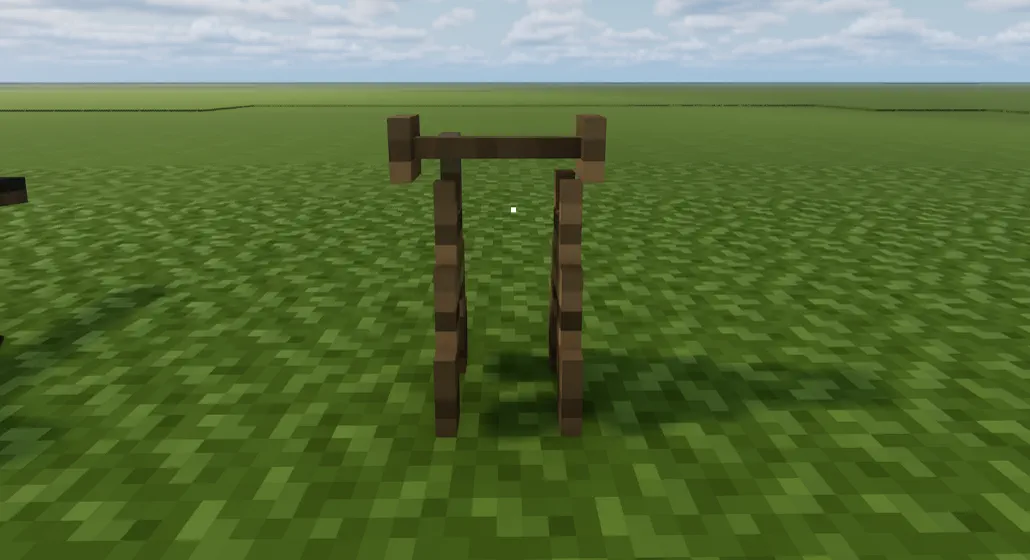
Moving contraptions are usually built in multiple parts, which means you often need supports while the full structure is still being assembled or blueprinted.
Use supports when:
- You need to blueprint the full contraption before it moves.
- One section has to stay aligned while another part will be detached later.
- You want a clean break point between the base and the moving section.
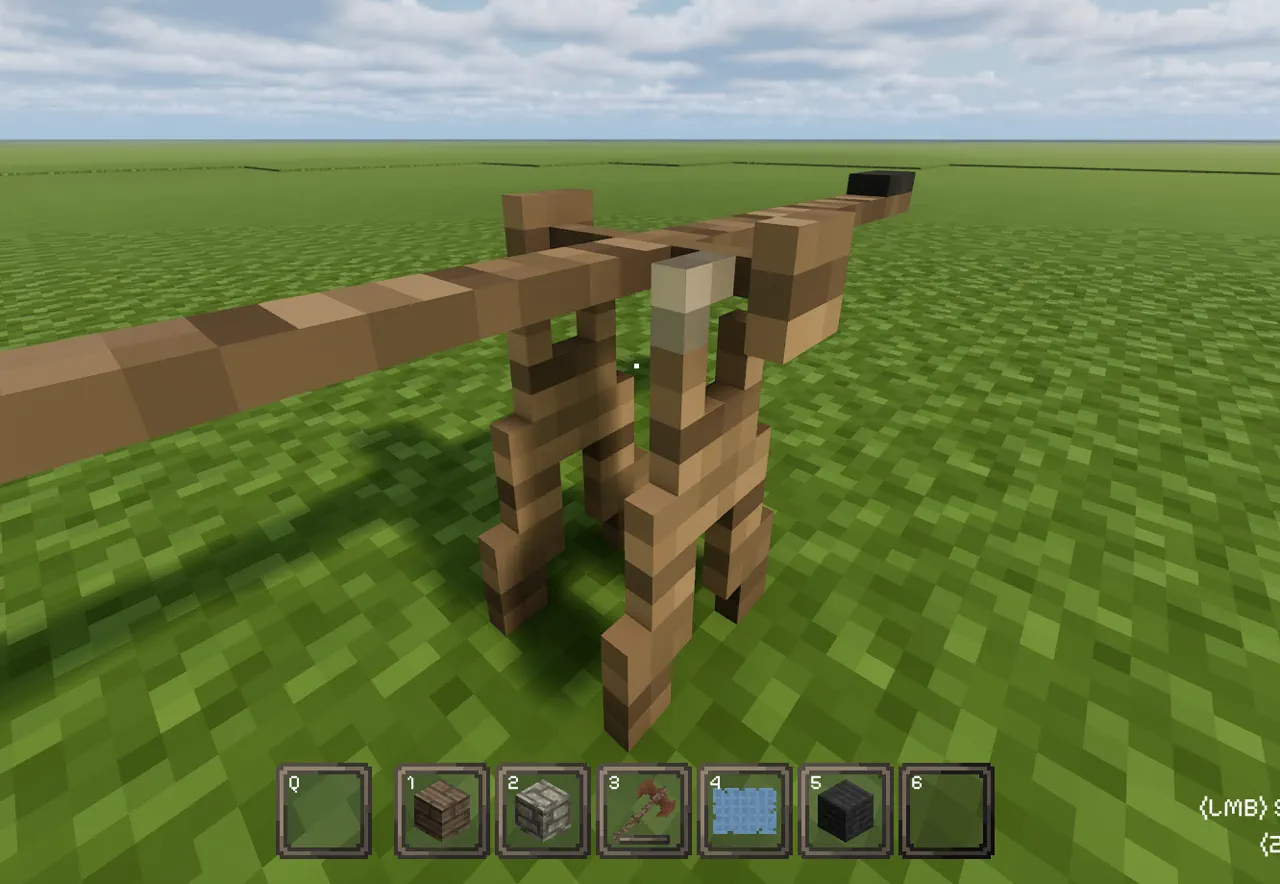
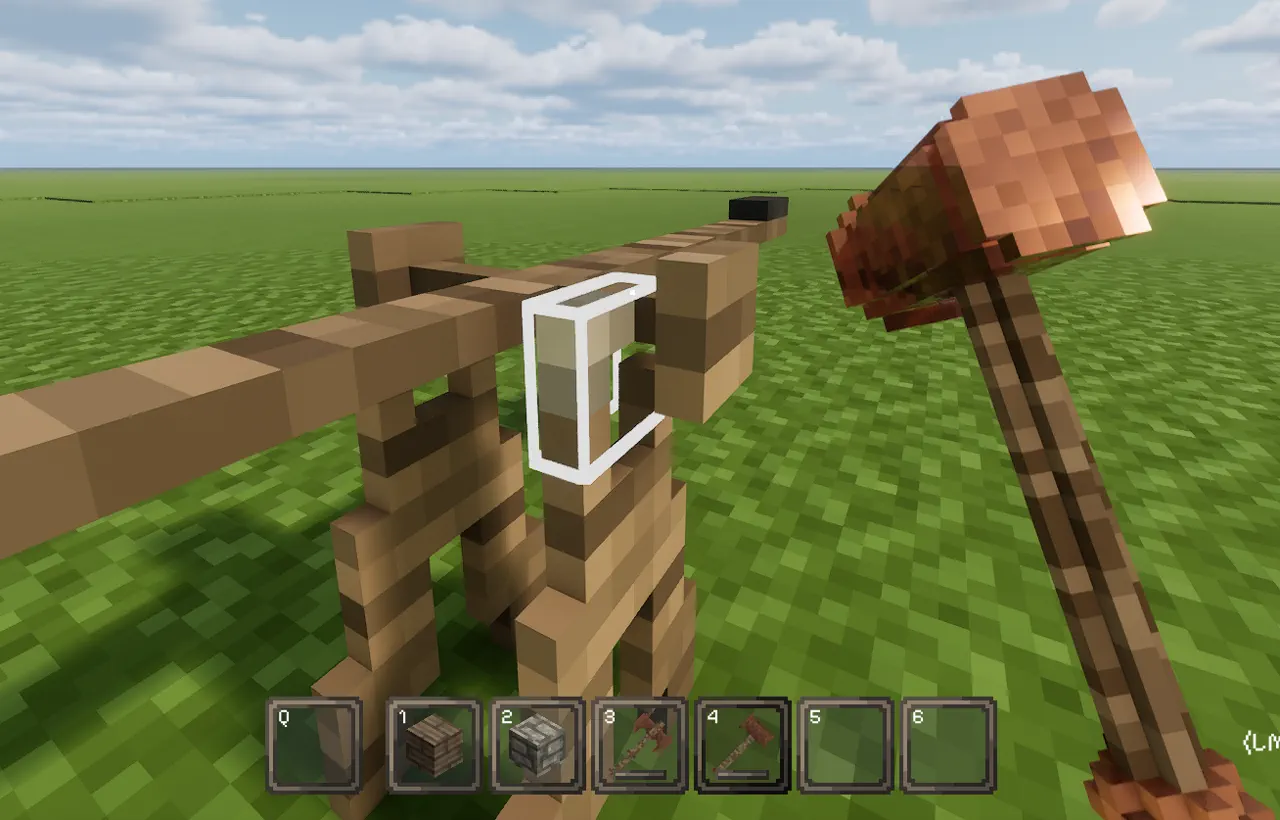
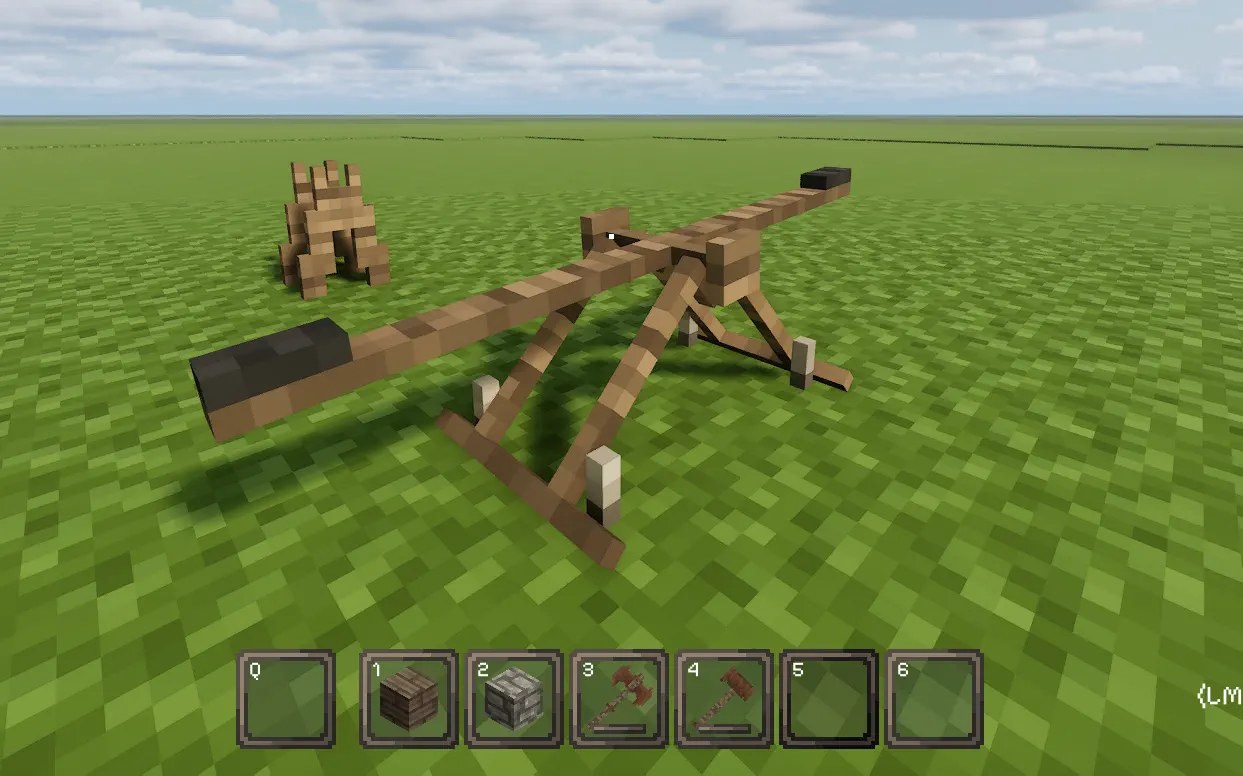
A useful building habit is to make the main contraption one material and the supports another. That makes detachment easier. The source example uses a wooden seesaw with a stone support, so a hammer can break only the support without damaging the rest of the build.
Settling Detached Parts and Enclosing Slots
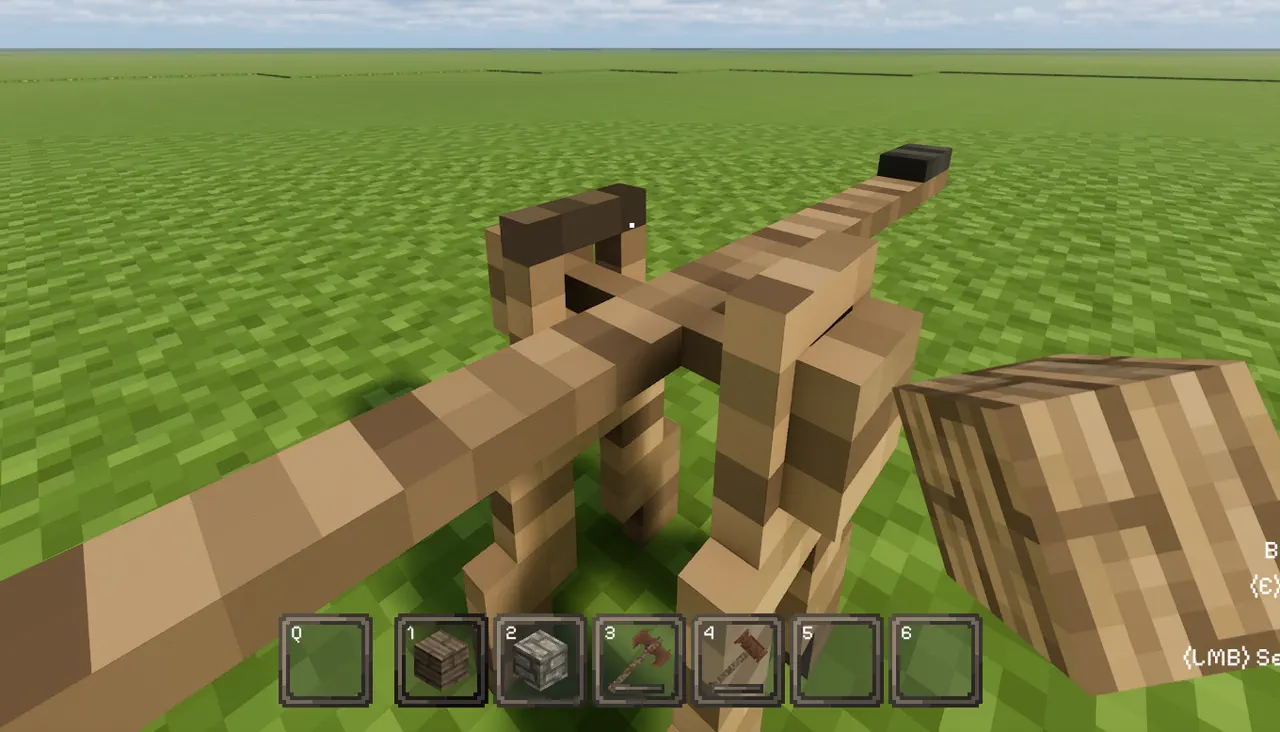
After detaching, the moving part may not sit properly in the slot right away. When that happens, use Right Mouse Button with an empty hand to help it settle into place.
If it still sits awkwardly, enclose the slot if needed. That is often the simplest fix when a part needs a little more guidance to stay aligned.
Preventing Contraption Binding
Lay of the Land contraptions can bind when the slot holding them is a fixed object attached to the ground. If the build is complex and movement feels rough, that is a sign to change the slot itself.
A better approach is to:
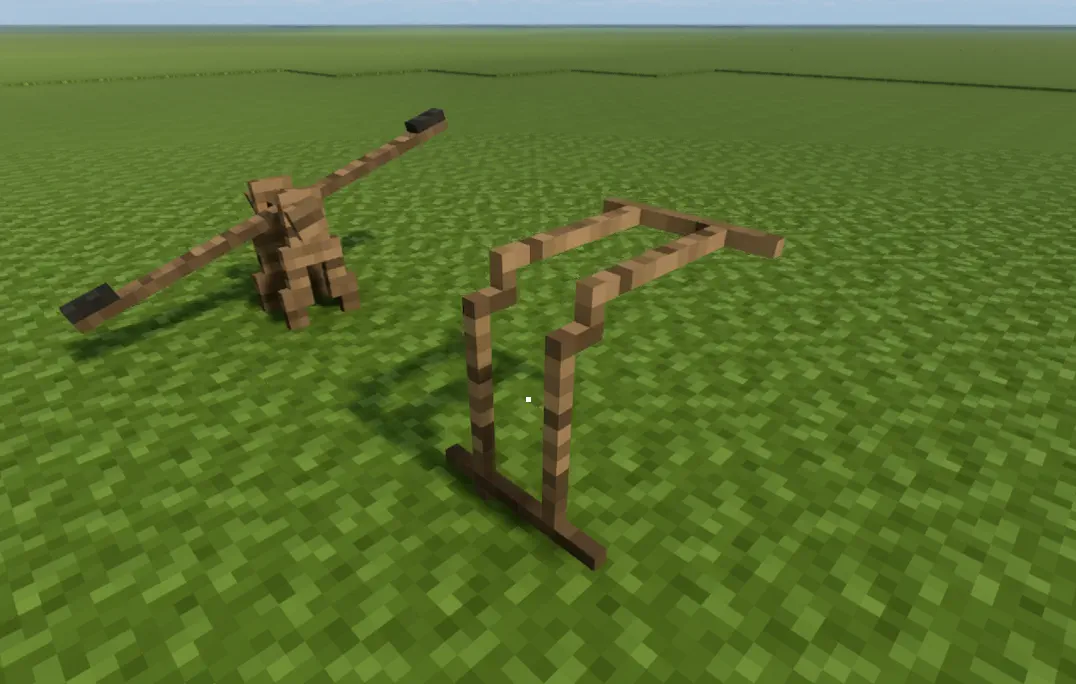
- Make the slot a physics object rather than a fixed ground object.
- Shape the slot into a V to reduce play in the contraption.
- Use a 45-degree offset V slot when that fits the design, then detach it from the ground and line it up with the build.
That method is more work up front, but it can make movement much smoother on larger or fussier contraptions.
Blueprinting Before You Break the Supports
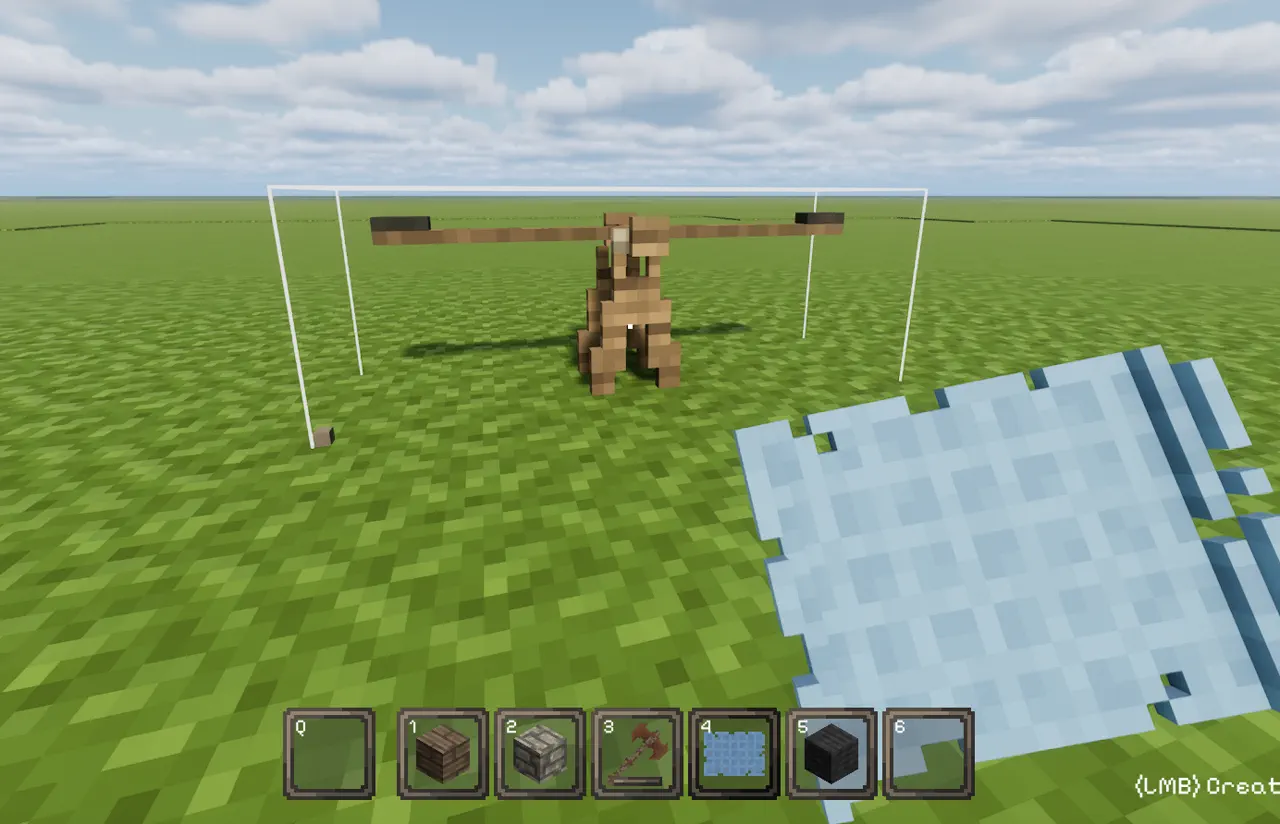
Blueprinting saves time and avoids rebuilding the same structure after detaching supports. Save the parts or the whole contraption before you break anything.
A few blueprinting rules matter here:
- Start from a solid voxel, not air, or the blueprint may be written incorrectly.
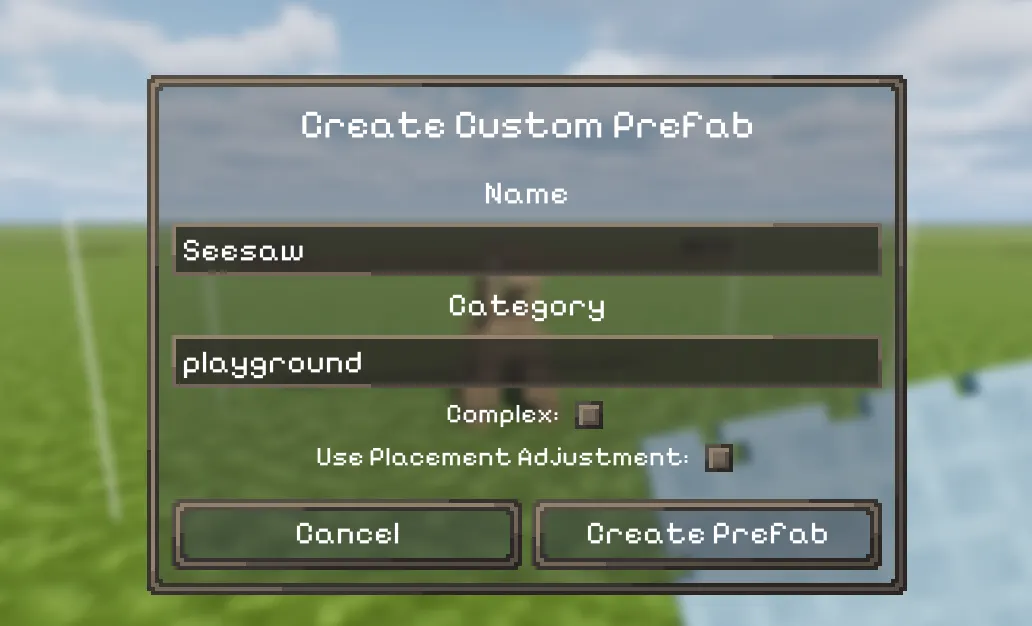
- Save the blueprint in a category so it is easier to find later.
- For complex multi-part builds, select both Complex and Placement Adjustment so you can fine-tune placement and keep multi-material pieces aligned.
That last point is especially important for contraptions with several connected sections, where small placement errors can cause bigger problems later.
Final Check Before You Test the Build
Before you test a moving contraption, make sure the basics are right:
- The axle has enough room in the slot.
- Stops are keeping detached parts from sliding out.
- Supports are made from a material that is easy to break away cleanly.
- The blueprint was saved from a solid starting voxel.
- Any stubborn parts have been nudged into place with empty-hand RMB.
Once those pieces are in place, the rest of the build is much easier to tune.